
Best Marvel Rivals Cheats 2026: Klar vs Predator
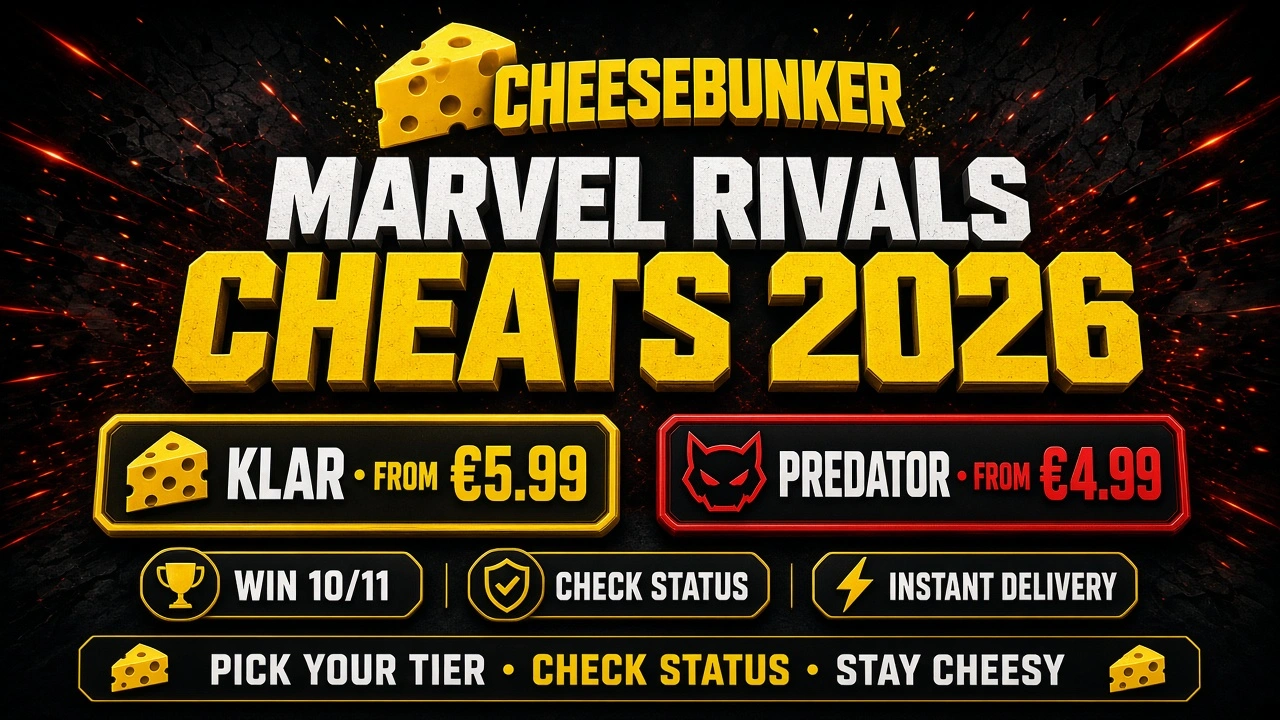
Marvel Rivals lobbies in 2026 punish messy setups. If you’re shopping for a Marvel Rivals cheat on CheeseBunker, you don’t need a pile of random Discord dumps — you need a clear pick between the tools that are actually listed on the store.
CheeseBunker currently lists two Marvel Rivals products worth knowing: Marvel Rivals - Klar and Marvel Rivals - Predator. Same store. Same Instant Delivery habit. Different entry price, different loader path, different guide.
In this guide, we’ll cover:
- A quick picker so you don’t buy the wrong Marvel Rivals lane
- What each product page actually lists
- Status + setup habits that matter before you launch
- FAQ + soft next steps
👉 Always check CheeseBunker Status before every session. Both Klar and Predator currently cue Undetected — and either cue can flip. None of that is a forever promise.
🎮 Quick Picker: Klar or Predator?
If you need… | Start here | Key notes |
|---|---|---|
Mid-entry Marvel Rivals lane with AMD/Intel called out on the page | From ~€5.99 · Win 10/11 · AMD/Intel · Instant Delivery · status cue Undetected · re-check status | |
Lower-entry Marvel Rivals lane on the same Win 10/11 stack | From ~€4.99 · Win 10/11 · Instant Delivery · status cue Undetected · re-check status | |
Setup steps after purchase | Open Klar or Predator — match the checklist to your key | |
Pre-session safety check | 30-second habit every load |
👉 Wrong assumption = wasted key. Match the product to the job (Klar vs Predator), then re-check status before you load.
Browse more tools on the CheeseBunker store.
⚡ Marvel Rivals - Klar — Mid-Entry Lane
Marvel Rivals - Klar is CheeseBunker’s mid-entry Marvel Rivals tier when you want Instant Delivery plus a product page that calls out AMD/Intel alongside Windows 10 & 11.
Facts that matter (from the product page)
- Status cue on page: Undetected (always re-check status before use)
- Supported OS: Windows 10 & 11
- CPU: AMD / Intel
- Pricing from about €5.99
- Instant Delivery
- Provider: CheeseBunker.gg
Setup
Use the official Marvel Rivals hub, then open the Klar guide: Marvel Rivals guides → Klar setup. Follow it end-to-end for your license length — loader as admin, key in the client, then launch the game.
👉 Klar is the practical pick when you want the mid-entry CheeseBunker Marvel Rivals lane with AMD/Intel called out on the page — and you’re ready to treat every launch as a status check + clean setup.
🎯 Marvel Rivals - Predator — Lower-Entry Lane
Marvel Rivals - Predator sits at a lower entry price and is listed for players who want the Predator Marvel Rivals product on Windows 10 & 11 with Instant Delivery.
Facts that matter (from the product page)
- Status cue on page: Undetected (always re-check status before use)
- Supported OS: Windows 10 & 11
- Pricing from about €4.99
- Instant Delivery
- Provider: CheeseBunker.gg
Setup
Use the official Marvel Rivals hub, then open the Predator guide: Marvel Rivals guides → Predator setup. Redeem on the panel first, then follow the loader steps for your key — don’t mix Klar and Predator checklists.
👉 Predator is the practical pick when you want the lower-entry Marvel Rivals lane on CheeseBunker — same status habit, different guide path.
✅ Pre-Session Habits That Matter in 2026
- Open cheesebunker.gg/status and find your exact Marvel Rivals product name
- Skip Updating; treat Use at Own Risk and Testing carefully
- Follow the matching guide from Marvel Rivals guides — Klar key → Klar setup; Predator key → Predator setup
- Keep Windows and drivers boring — messy PC setup creates false “the cheese is broken” tickets
- If you also need hardware protection after a ban, pair the habit with Spoofer CheeseBunker V2 or Spoofer Perm — and check those statuses too
For ban hygiene and HWID basics, skim How to Avoid Game Bans and Why You Need an HWID Spoofer.
👉 Status first. Guide second. Launch third.
🔗 Useful Links
- Marvel Rivals - Klar
- Marvel Rivals - Predator
- CheeseBunker Status
- CheeseBunker Store
- Marvel Rivals Guides
- Klar Setup
- Predator Setup
- CheeseBunker Discord
- CheeseBunker home
❓ FAQ – Best Marvel Rivals Cheats 2026
Which Marvel Rivals cheat should I buy on CheeseBunker? Start with the job: Predator for the lower-entry lane (~€4.99), Klar for the mid-entry lane (~€5.99) with AMD/Intel called out on the page. Then confirm live status before you pay or load.
Do Klar and Predator both support Windows 10 and 11? Yes. Each product page lists Windows 10 & 11. Klar also notes AMD / Intel. Still follow the matching setup guide after purchase.
Is Undetected a forever promise? No. It means CheeseBunker currently lists that product as safe to run under known conditions. Re-check the status page before every session — especially after game patches.
Where do I find the Marvel Rivals setup guide? Use the Marvel Rivals guides hub and open Klar setup or Predator setup to match your key.
What’s the price difference between Klar and Predator? Predator starts from about €4.99. Klar starts from about €5.99. Pick by the product page that matches your goal — not by Discord screenshots.
🧀 Final Thoughts
Marvel Rivals shopping gets easy when you stop collecting random links and start picking from verified CheeseBunker pages: Marvel Rivals - Klar and Marvel Rivals - Predator. Match the product to the job, check status, then run the official guide.
Stay informed. Stay consistent. Stay safe—with cheesebunker.gg.
Published at Oct 04, 2026
Log in to Your Customer Account
CheeseBunker
Discord!
New ARK ASA Product! ARK - Next ASA!!!
MOST UNDETECETED ARK CLIENT! | Code: "NEXTARK" for 15% Discount!